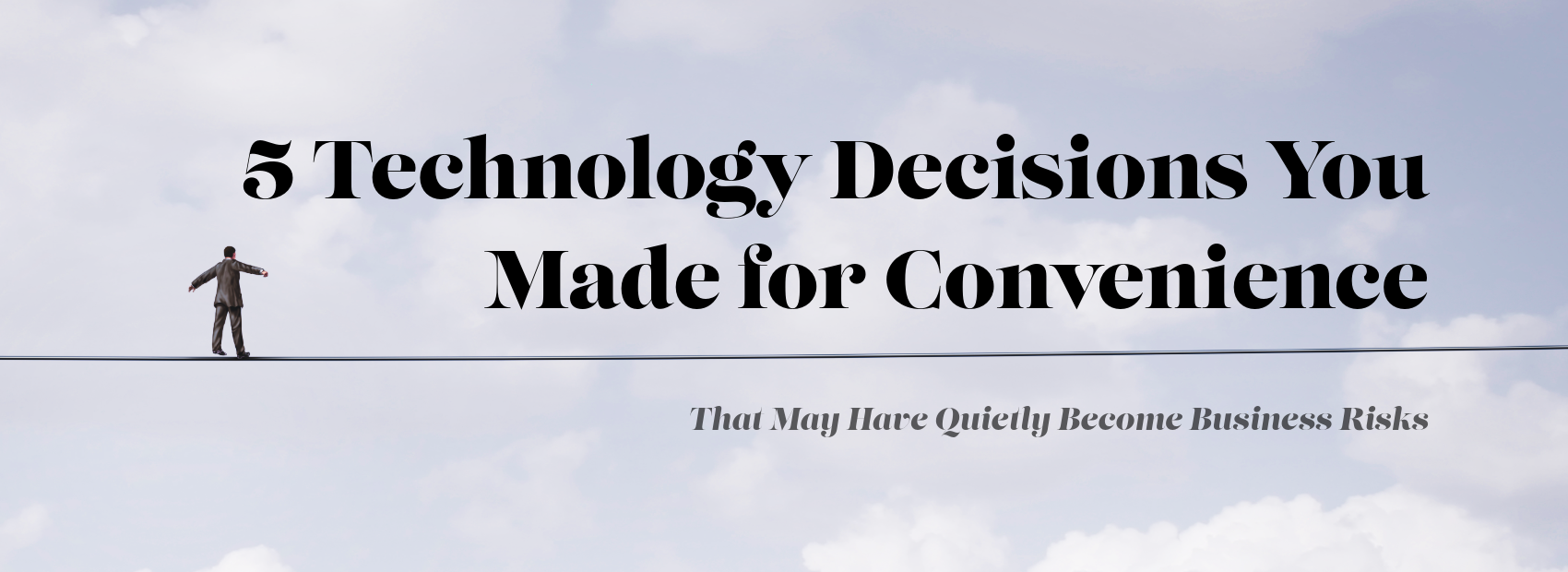
Very few companies wake up one morning and intentionally create a fragile technology environment. It happens one reasonable decision at a time.
Someone needs access immediately, so the team shares a login. A manager wants to work from home, so a personal device becomes the fastest solution. A department needs a new application and purchases it directly. A vendor installs a remote tool for a one-time project. An old system is left alone because replacing it would disrupt the business.
Each decision solves a real problem. That is why the risk can be hard to see.
Years later, the business is not operating the technology plan it designed. It is operating the accumulation of every exception, shortcut, workaround, and temporary fix that survived.
Here are five convenience decisions worth revisiting.
1. “Just Use the Shared Login”
Shared accounts are convenient because everyone who needs access can get it without waiting for an account to be created. They also make it difficult to know who did what, remove one person’s access, apply individualized permissions, or enforce strong authentication consistently.
Shared credentials are especially common in older applications, shop-floor systems, vendor portals, front-desk tools, project sites, and devices that were never designed for modern identity practices.
The solution may not always be immediate elimination. Sometimes a legacy system has limitations. The mature approach is to identify where shared access exists, understand why, reduce it where possible, and add compensating controls where it cannot be removed yet.
2. “It Is Fine to Use Your Personal Device”
Bring-your-own-device practices can be efficient and employee-friendly. They become risky when the company has no clear boundary between personal convenience and business control.
Can the organization require screen locks? Remove business data when someone leaves? Separate company information from personal applications? Enforce updates? Respond if the device is lost? Determine whether sensitive files were downloaded locally?
The answer does not have to be “no personal devices.” It has to be a deliberate policy supported by the right technology and expectations.
3. “The Department Can Buy That App – It Is Only $20 a Month”
SaaS has made it possible for any department to solve a problem quickly. That flexibility is valuable, but it also creates application sprawl.
A $20 tool can still contain customer data. A browser extension can still access email. A project application can still hold intellectual property. An AI tool can still receive confidential information. A meeting app can still record conversations.
The cost of an application does not determine its risk. The data it touches and the access it receives do.
Organizations should maintain a lightweight approval and inventory process that makes it easy to adopt useful technology without creating invisible dependencies.
4. “Leave the Vendor Access in Case We Need Them Again”
This is one of the most understandable shortcuts in technology. Removing access now may mean recreating it during the next support issue. Leaving it active seems efficient.
The problem is that vendor personnel change, contracts end, tools age, and permissions are rarely reduced on their own. Remote access that is no longer necessary should not become a permanent feature of the environment simply because it might be useful later.
Where persistent vendor access is justified, it should be documented, secured, monitored, and reviewed.
5. “Do Not Touch That System – It Still Works”
Legacy technology often survives because it supports something the business cannot easily interrupt. That may be a manufacturing application, accounting platform, design system, database, line-of-business application, machine interface, or old server tied to a critical process.
Keeping it may be the correct short-term decision. Pretending it has no cost is the problem.
Older systems can create security limitations, support challenges, integration problems, backup complexity, skill dependencies, and operational risk. The organization should know which systems are being tolerated intentionally, what would happen if they fail, and what the transition plan looks like.
The Accumulation Is the Risk
None of these decisions automatically means the business is poorly managed. In fact, most started as practical answers to real operating needs.
The issue is that technology decisions have a half-life. What solved the problem three years ago may be creating a different problem today.
That is why mature IT management includes periodic simplification. Which exceptions can be removed? Which systems should be retired? Which tools overlap? Which accounts no longer make sense? Which workarounds have quietly become the operating model?
Cybersecurity improves when complexity is reduced. Operations improve when ownership is clear. Employees improve when the approved path is easier than the workaround.
The goal is not more technology. It is fewer unmanaged exceptions.
Ask your MSP to identify the technology workarounds that have become permanent and rank them by business impact, security exposure, and effort to fix.
Frequently Asked Questions
What is technology risk management for a small business?
Technology risk management is the process of identifying how systems, applications, devices, vendors, access decisions, and technology dependencies could disrupt operations, expose data, or create financial and security risk.
What is technical debt?
Technical debt is the future cost created by short-term technology decisions, outdated systems, workarounds, or deferred improvements that eventually make the environment harder to secure, support, integrate, or change.
Are shared accounts always a security problem?
Shared accounts reduce accountability and make access harder to manage. Some legacy systems may require them, but those exceptions should be identified, limited, protected, and reviewed.
What is SaaS sprawl?
SaaS sprawl occurs when an organization accumulates many cloud applications without a complete inventory, consistent security review, ownership, or lifecycle process.
How can an MSP help reduce technology risk?
An MSP can inventory systems and applications, review access and vendor connections, identify unsupported or high-risk technology, map business dependencies, and build a prioritized roadmap for reducing risk without unnecessary disruption.